
This tutorial will show managers how to download and use the Advanced Time and Attendance Mobile App to manage Time Sheets, PTO Requests, Exceptions, Approvals.
To download the app:
- Go to Google Play Store or Apple App Store
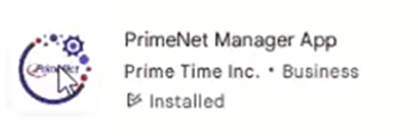
- Download Primenet Manager Mobile
- Allow all permissions
- Allow location access
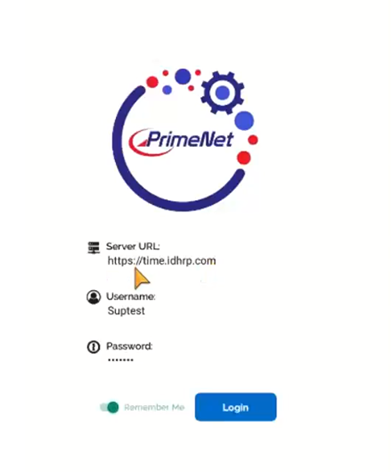
- Enter URL: https://time.idhrp.com
- Enter Username
- Enter Password
- Select Login
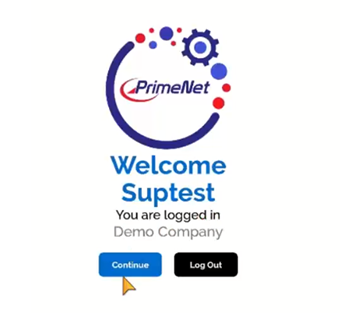
Select continue to access your employees time information.
Select Time Management to view and access the Employee Punches, PTO Request, Exceptions & Approvals

Click Employee on the tool bar and select the pay period you want to access the employee’s time records for.



Reject or approve directly in the mobile app.
You will be able to sign off on the employee’s times or reject hours that need correcting, or PTO request submitted/approved for.

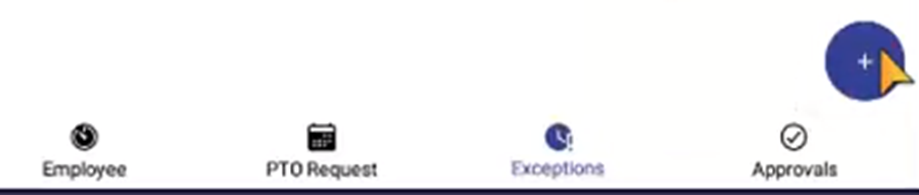

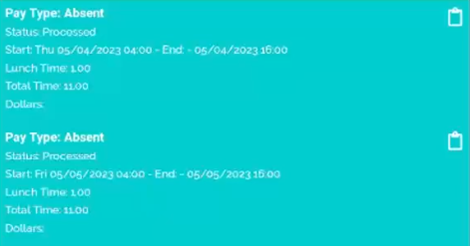
Add Punches for the employee by selecting the “+” to the bottom right
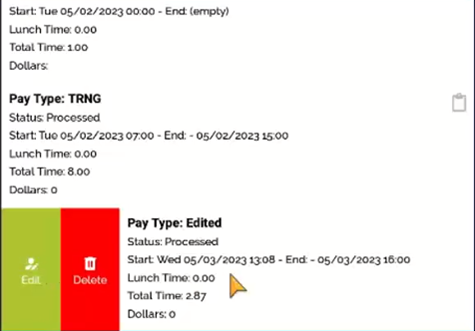

Approvals can be done one by one or by selecting all.

You also have the option to reject all at once.

Questions / Resources
If you have questions or comments please email support@integrity-data.com.
Last Review: 9/17/2024
Leave A Comment