
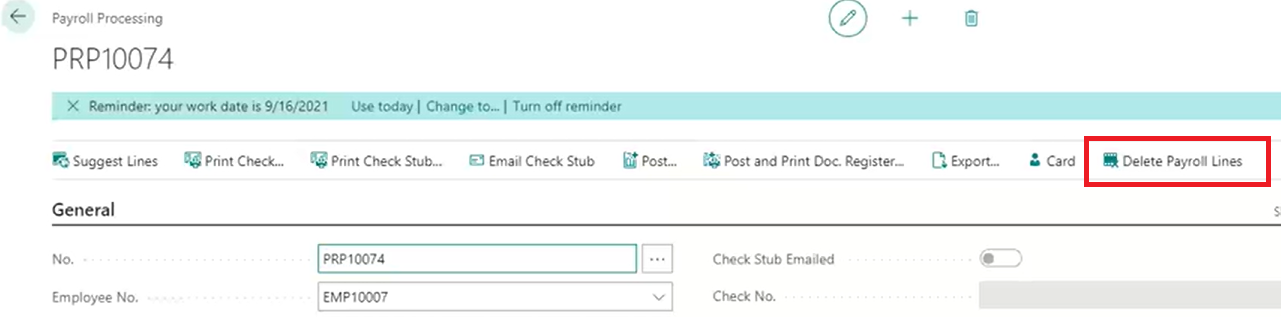
Delete Payroll Lines Button
You can select lines in a payroll document and then click ‘Delete Payroll Lines’ to delete the lines. Previously the user had to select all the payroll lines and delete them inside the subform.
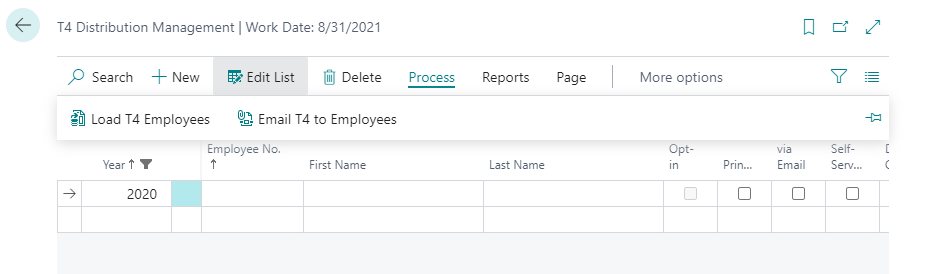
T4 Distribution Management
This feature now provides the same functionality as ‘W2 Distribution Management’ for T4’s (see release notes 17.12.0.0). You can load reports, email T4’s, load T4 employees run T4’s, etc.
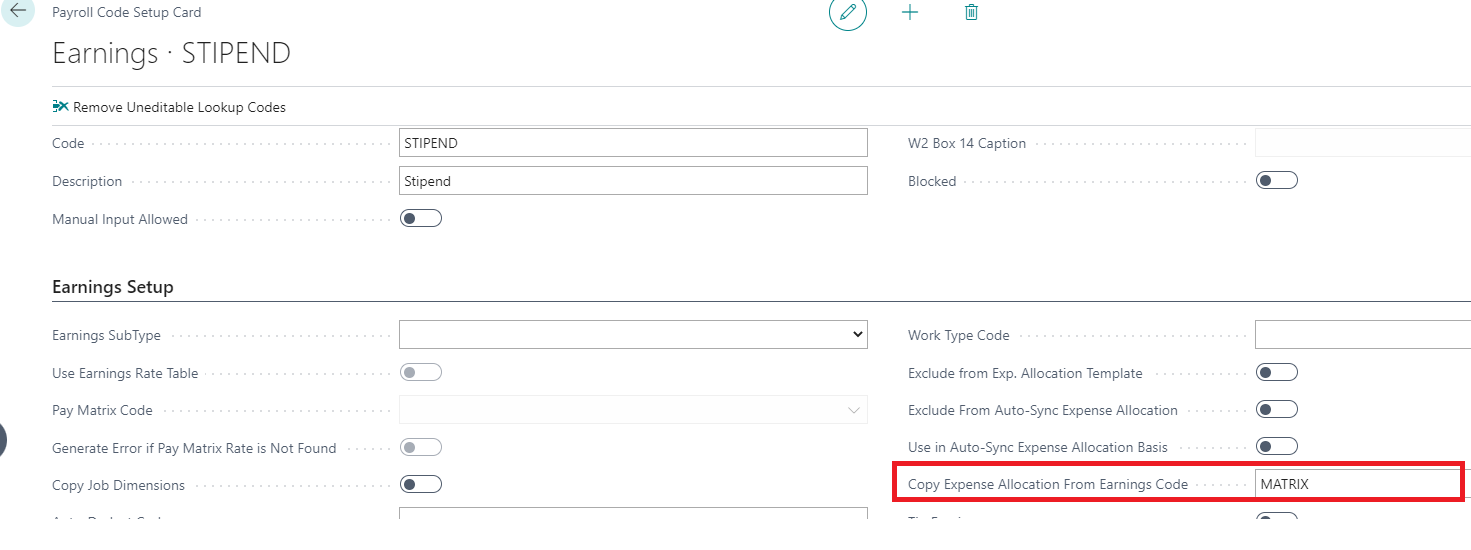
Copy Expense Allocation From Earning Code
If this field is populated, the expense allocation lines of this payroll code will match exactly to the earnings code populated in this field.
Even if this earnings code is created from a process procedure and therefore has no expense allocation lines ‘behind it’, it will copy the expense allocation lines behind whatever code you put in this field and apply the expense allocation lines behind this code.
All the expense allocation amounts will be allocated based on the payroll code in this field and will total the payroll line amount.
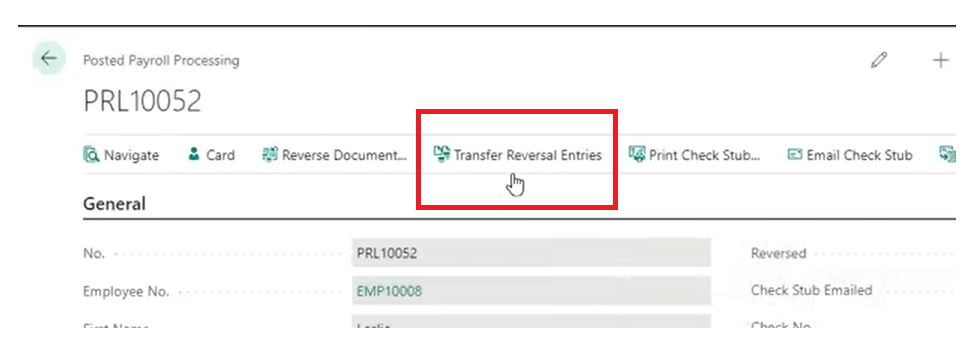
Reissue Check Button

Transfer Reversal Entries
This feature will allow the user to move reversal activity from a closed period to an open period. It accomplishes this by zeroing out the reversal activity from a prior period and then inserting the reversal entries into the selected period. This feature will not work on any entries that are not already reversed.
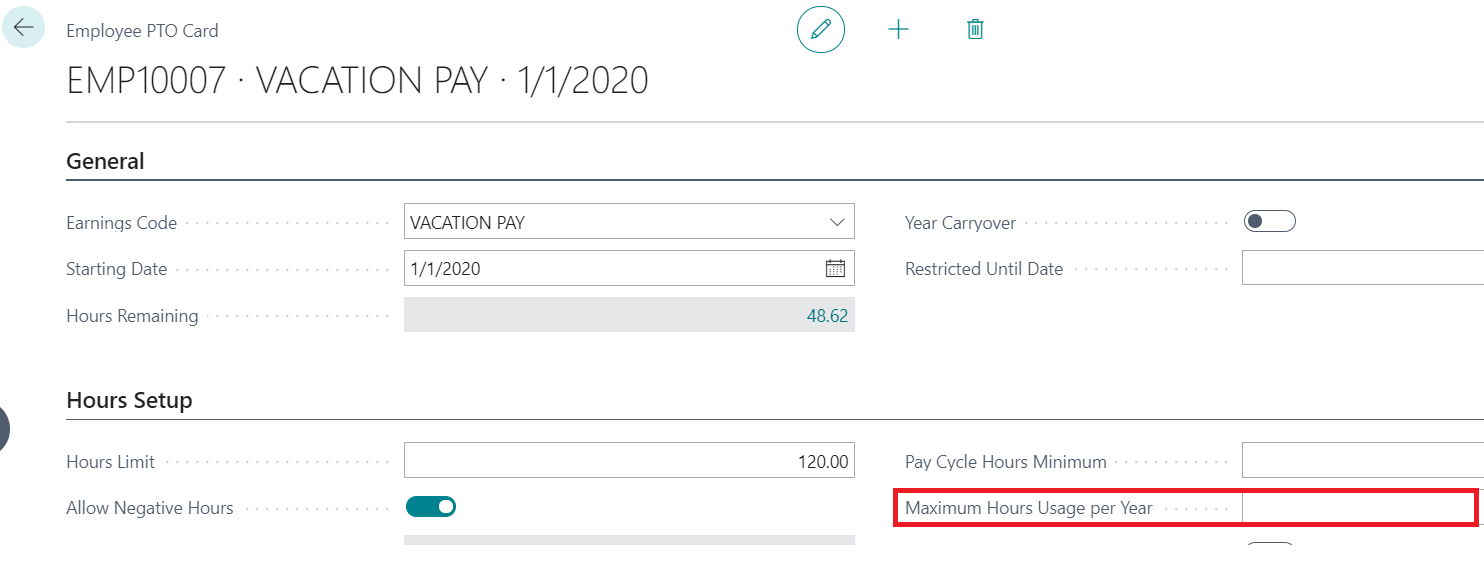
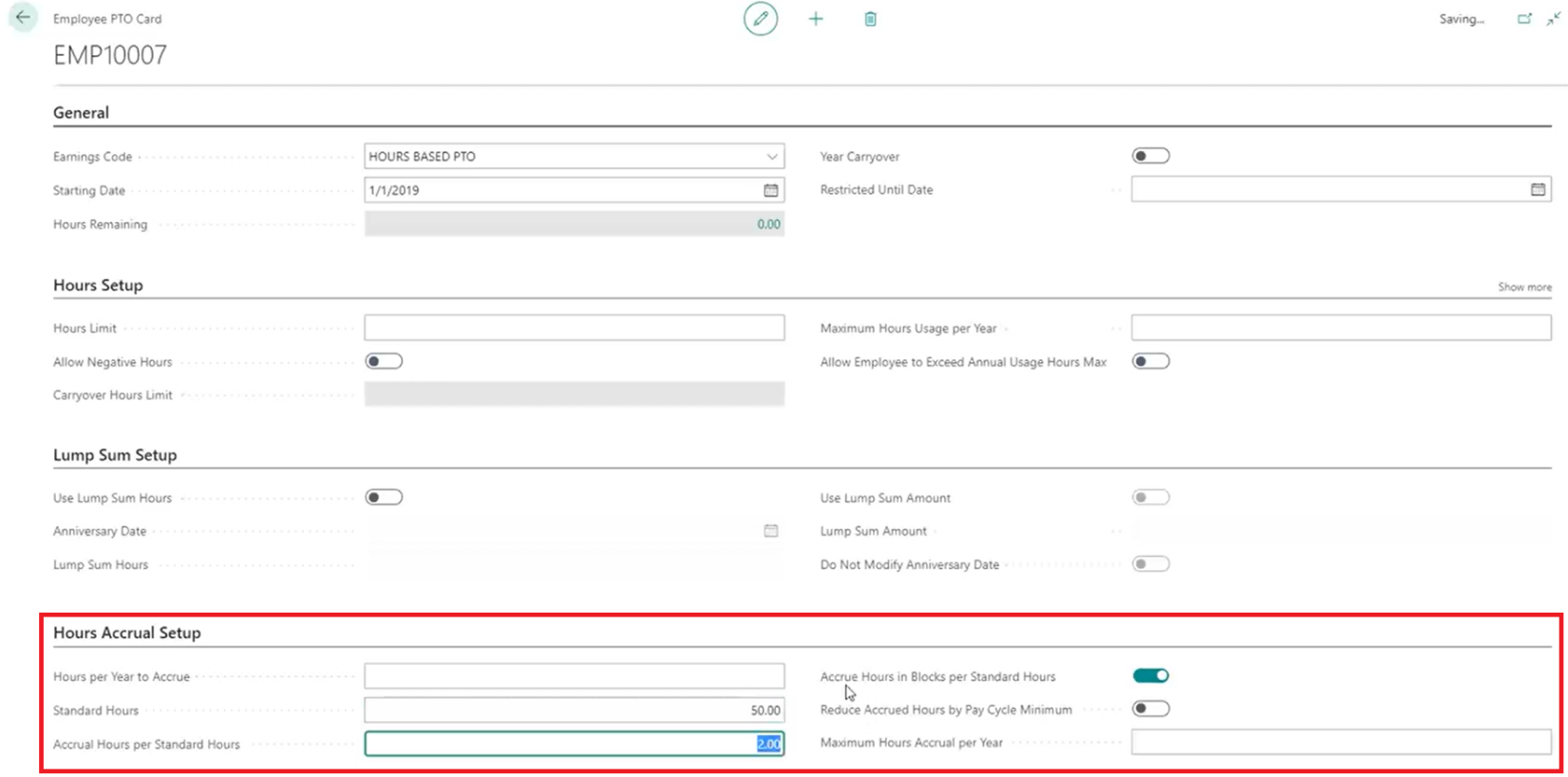
Maximum Hours Usage Per Year
This will limit the number of hours that can be used per calendar year. If there is not a calendar year limit, it can be left blank.
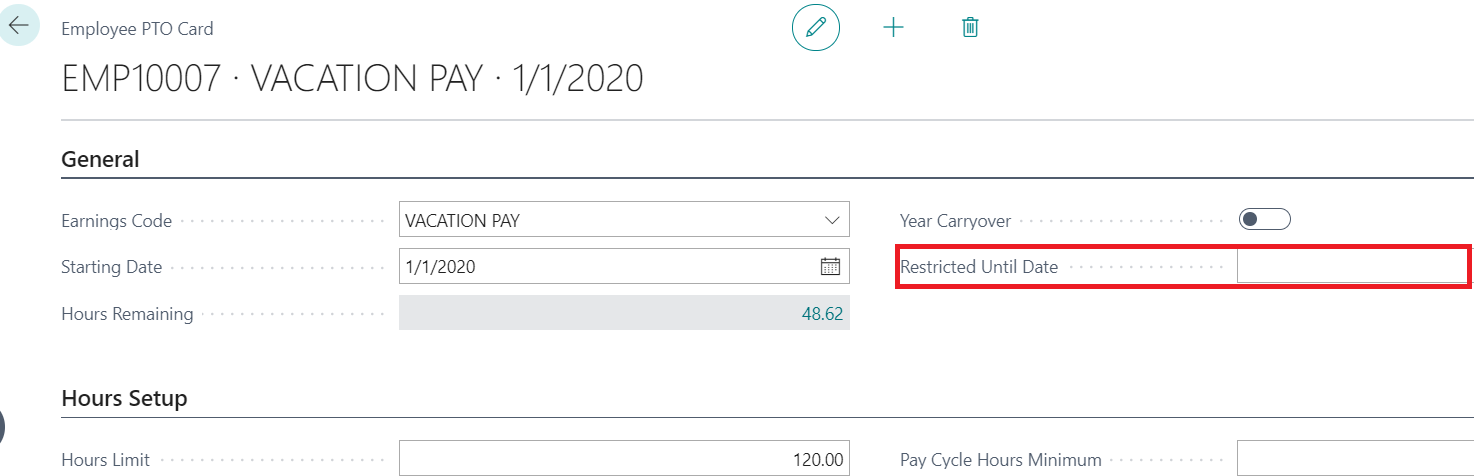
Restricted Until Date
If the PTO code is used before this date, a confirmation message will appear to alert the user that the employee is trying to use a PTO code that is still restricted.
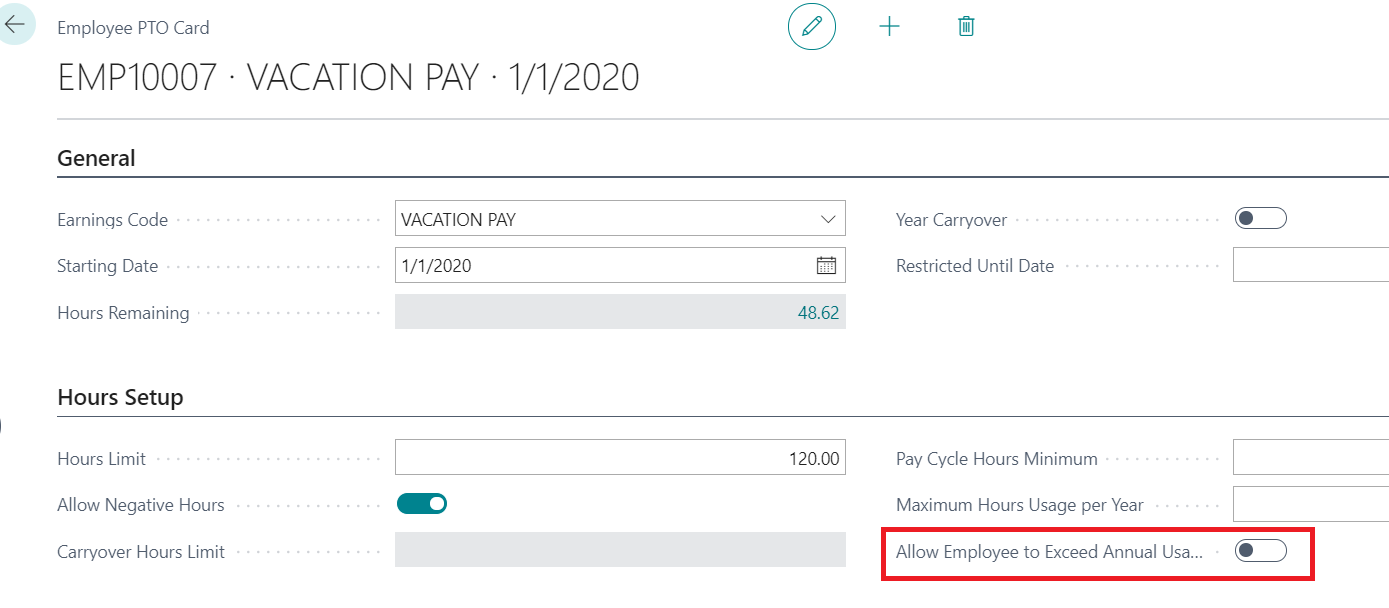
Allow Employee to Exceed Annual Usage Hours Maximum
When set to ‘TRUE’ this will give the user a message instead of an error asking if the user wants to allow an employee to exceed the annual usage hours max.
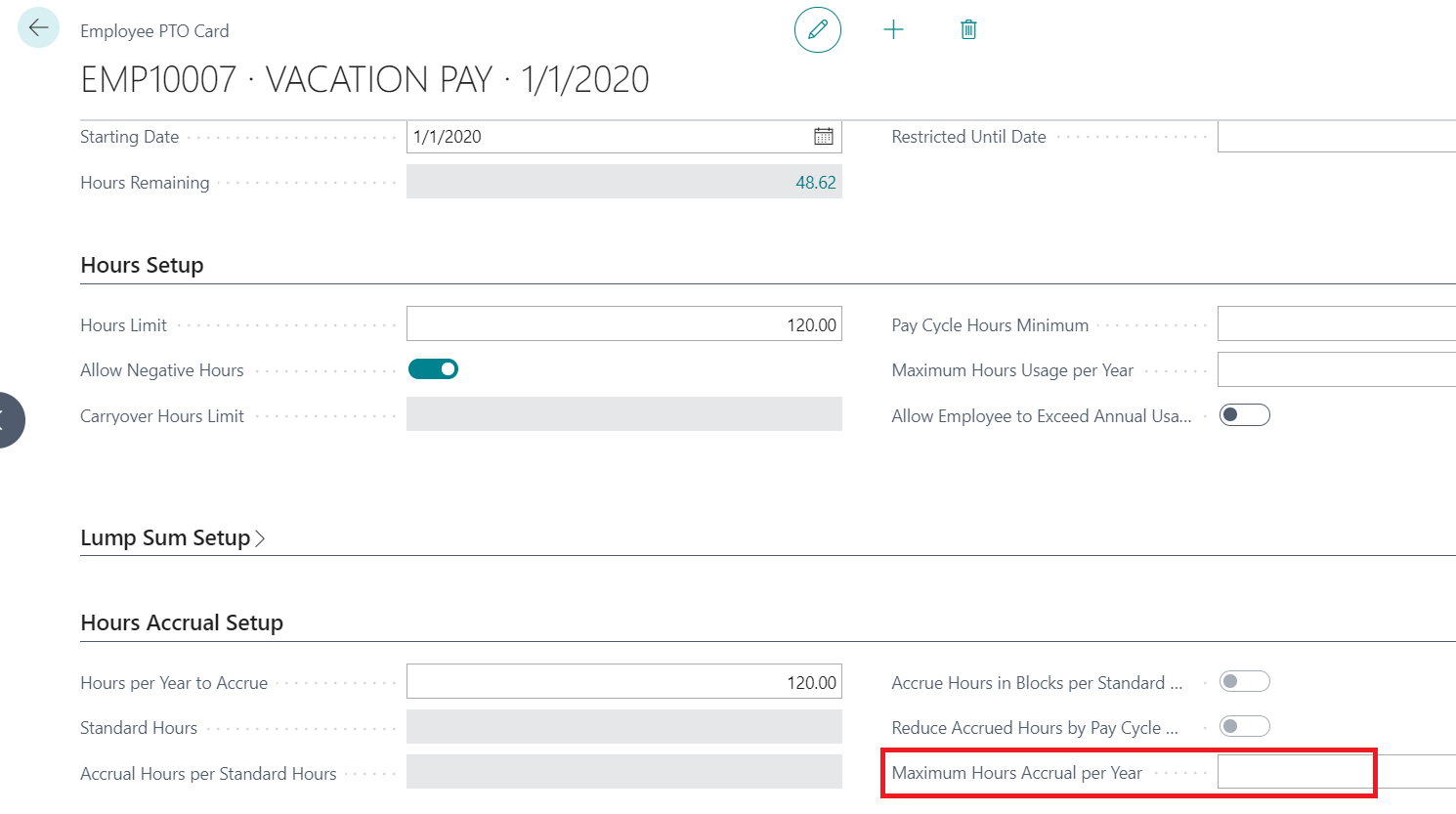
Maximum Hours Accrual Per Year
This will set the calendar year accrual maximum. If there is not a calendar year maximum hours accrual, it can be left blank.
Accrue Hours in Bocks Per Standard Hours
When set to true, the accrual hours per standard will be accrued in blocks once the standard hours are met or exceeded. This feature will carry over hours from an unaccrued block to the next pay cycle.
For example; An employee has 50 ‘Standard Hours’ in a block and 2 ‘Accrual Hours per Standard Hours’ and the ‘Accrue Hours in Blocks’ is set to True. The employee is paid for 80 standard hours during the pay cycle. When payroll is processed the employee would accrue 2 hours based on the 50-hour block of ‘Standard Hours’ but the 30 remaining hours would carry over into the next pay cycle and be included in the calculation. The employee would have 30 ‘Standard Hours’ added to the next pay cycle’s ‘Block Accrual’ calculation.
When this is set to false, the accrual hours will prorate based on the actual hours vs standard hours.
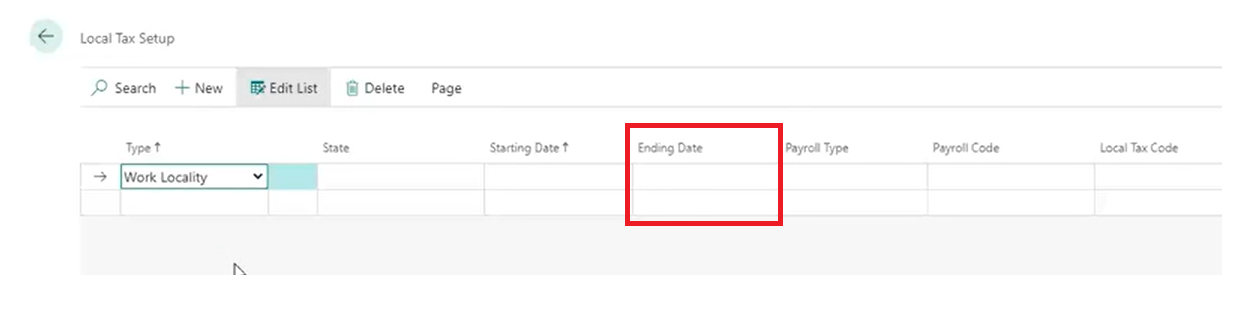
Local Tax Setup – Ending Date
Ending Dates can now be set up in the Local Tax Update. This eliminates the need to ‘remember’ to delete local tax setups past a certain date.
Exclude Employee From 941
This is located with the ‘Payroll Employee Addl Tax Setup’. When the box is checked, it will exclude that employee from the 941.

Leave A Comment