
Enhanced Retirement Plans
Automate and enforce the relationship between employee contributions and company matches across retirement plans
In life, there’s a hard way and an easy way to do everything.
The same is true for calculating tiered match to multiple 401(k) calculations…

Watch our Enhanced Retirement Plans Feature in Action
Automate and enforce the relationship between employee contributions and company matches across retirement plans in Microsoft Dynamics GP
See how much you can save with our ROI Calculator
Resources
Downloads
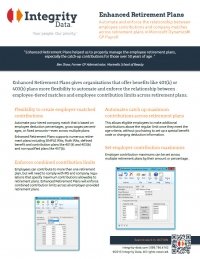
Fact Sheet
User Guide
COVID-19 Legislation Blogs for Dynamics GP
> Microsoft Dynamics GP and Comprehensive Leave Manager Strategies for FFCRA Paid Sick Leave Act
> Expanded Family and Medical Leave Act (E-FMLA) and Microsoft Dynamics GP Tips Simplified