
5 Practical Ways HR Leaders Can Celebrate Employee Appreciation Day Using HR Essentials & HR Full Lifecycle
Employee Appreciation Day is quickly approaching on March 6, offering HR teams a meaningful opportunity to highlight the contributions, talents, and dedication of their staff. Recognition doesn’t need to be elaborate to be effective. What truly matters is that it feels intentional and personal.
When employees feel seen and valued, they’re more engaged, more likely to stay, and more connected to their work. And if your organization already uses HR Essentials or HR Full Lifecycle, you have built‑in tools that can make offering that recognition easy and impactful.
1. Start the Celebration with a Homepage Announcement
Use to download image: http://bit.ly/4chrMnt
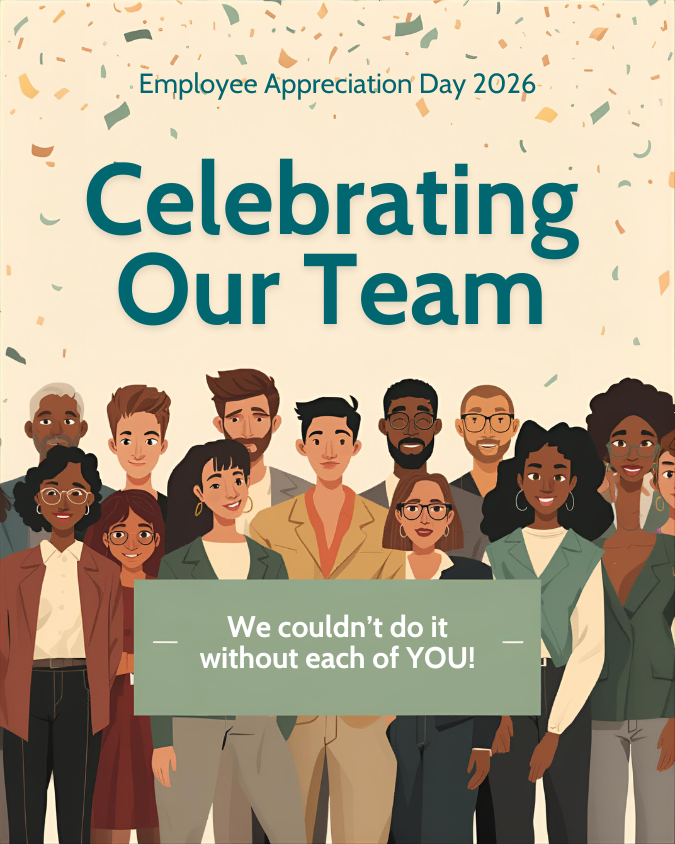
A simple announcement on the HR dashboard is an easy way to set the tone for the day. HR administrators can upload an Employee Appreciation Day message or even add a custom graphic (here is one in Canva we made for you to download). This homepage image or note ensures that everyone logging in is greeted with an uplifting, organization-wide expression of gratitude.
2. Spotlight Employees or Teams Directly in the Announcements Feed
Beyond a general message, the announcements area can be used to spotlight individuals or teams. HR leaders can rotate highlights throughout the day or choose a more general approach that recognizes groups across the organization. By sharing accomplishments, strengths, or even short notes from managers, you turn the HR homepage into a small celebration space that everyone can enjoy.
3. Create and Assign Achievements to Celebrate Employee Success (Full Lifecycle)
Full Lifecycle includes the Achievements feature, which is perfect for Employee Appreciation Day. HR teams or managers can create special Employee Appreciation Day categories and award types such as “Customer Service Star,” “Team Player,” or “Dependability Award.” Achievements can include the date awarded, employee-facing notes, and even an uploaded certificate or graphic. Employees can revisit their achievements, making this form of recognition both immediate and long‑lasting.
Take a look at adding achievements in the Integrity Data HRP solution stack’s HR Full Lifecycle module. This is just one way you can use your HR tech to recognize your team for Employee Appreciation Day.
4. Revisit Past Reviews to Share Strength‑Based Recognition (Full Lifecycle)
If your organization uses the Reviews module, it provides a helpful way for managers to revisit past feedback and identify positive themes or standout moments. Reviewing past comments helps managers create more specific recognition. Instead of sending generic praise, they can reference concrete examples from past evaluations, which feels more authentic and meaningful to employees.
5. Upload Personalized Certificates Using the Documents Tool
Even without the Achievements feature, HR Essentials users can still offer personalized, tangible recognition. Managers can write a short message or customize a certificate, then upload it as a document and assign it to the employee (here is one we made in Canva for you to use or create your own). Once assigned, it appears in the employee’s documents area, where they can download or print it. This gives employees something they can display, share, or keep as a reminder of their impact.
Why This Kind of Recognition Matters
When employees feel appreciated, they become more committed to the organization. Recognition boosts engagement, satisfaction, and resilience, especially during demanding work seasons. These small moments of acknowledgment can ripple outward into stronger culture, better communication, and improved retention.
With HR Essentials and HR Full Lifecycle, the tools to make that happen are already part of your daily workflow. A few intentional moments on March 6 can spark ongoing recognition habits that benefit both employees and leadership.
Want to Expand Your Recognition Capabilities?
Organizations using HR Essentials have great tools to get started right away. For teams interested in deeper, more automated recognition—such as achievements, performance reviews, and expanded employee engagement features—HR Full Lifecycle provides a more comprehensive experience.
If you’d like help using any of the features mentioned here, your onboarding or support team is ready to assist.
Integrity Data HRP – Your Complete HR Solution Stack for Dynamics Including Payroll for BC
Integrity Data HRP is your complete HR, Time Management, and Payroll platform from within Dynamics GP and D365 BC. Everything works together effortlessly so you can focus on what really matters, your people.
- Escape the piles of paper and keep everything in one digital employee file.
- From Applicant to Retirement, you can manage Recruitment & Onboarding, Benefit Elections, Performance Reviews, Certifications & Licenses, Reports, Payroll, Time & Attendance, and much more, all in one solution.
- Employee Self-Service Portal is included for both Business Central and GP.
- Full-Service Tax Filing and ACA Reporting Services available as well.
Reach out today and our no-pressure solution experts will answer your questions to see if we are a good fit for your organization.
Integrity Data has been serving the Dynamics community since 1996. Our passion is to help HR and payroll professionals own their time so they can focus on helping their people. As always, your people are our priority.

Leave A Comment